Picture in Picture
A main view with an inset for a second perspective. Move the inset to a corner and choose which camera leads.
IN DEVELOPMENT · iPHONE & iPAD
A little more of the story. Record supported cameras together, find your frame, and keep every take on your device.
No account. No ads. Your footage stays yours.

PUT PEOPLE IN THE PICTURE
From a rooftop session to a day by the water, bring a second perspective along. Explore the three camera layouts.
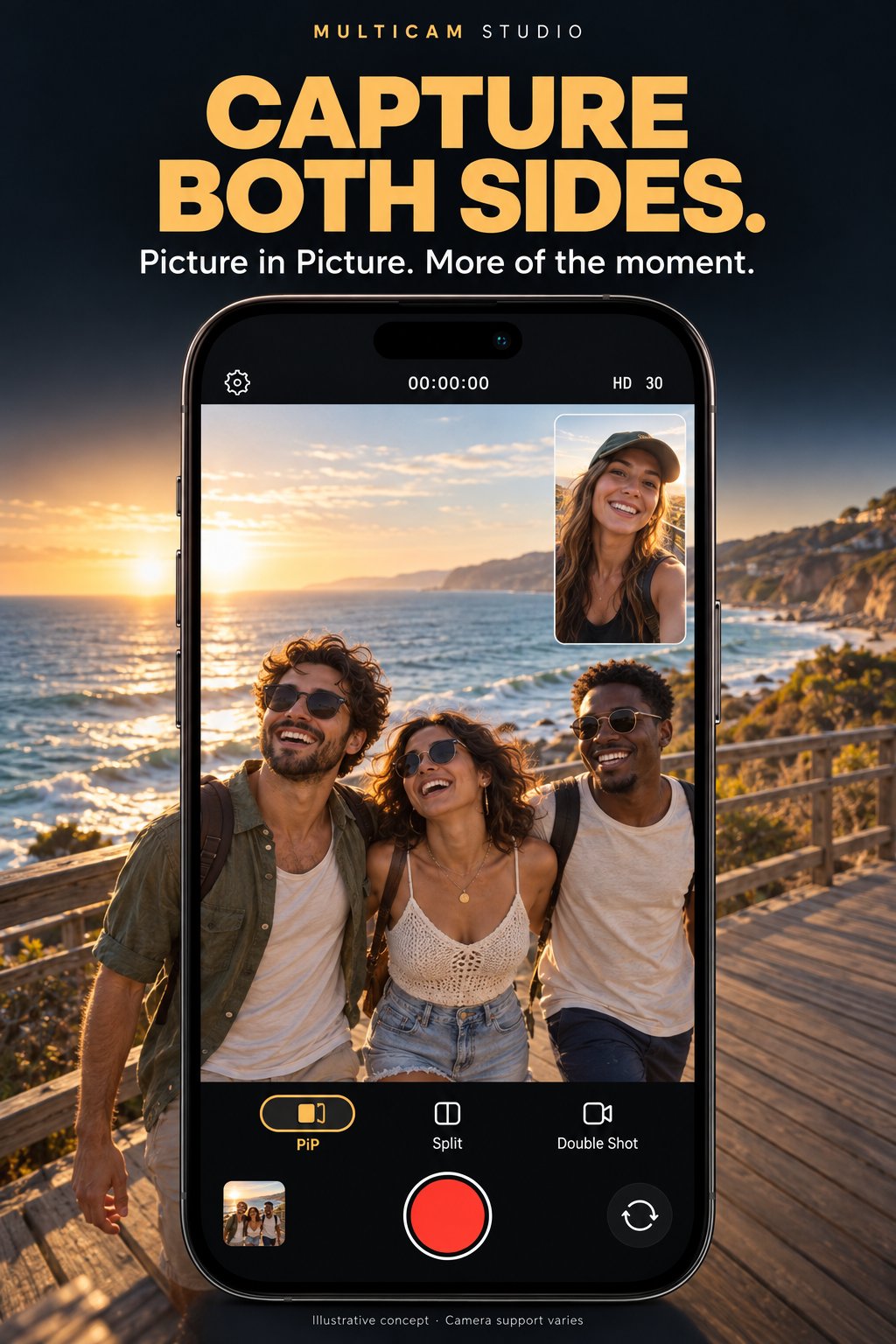
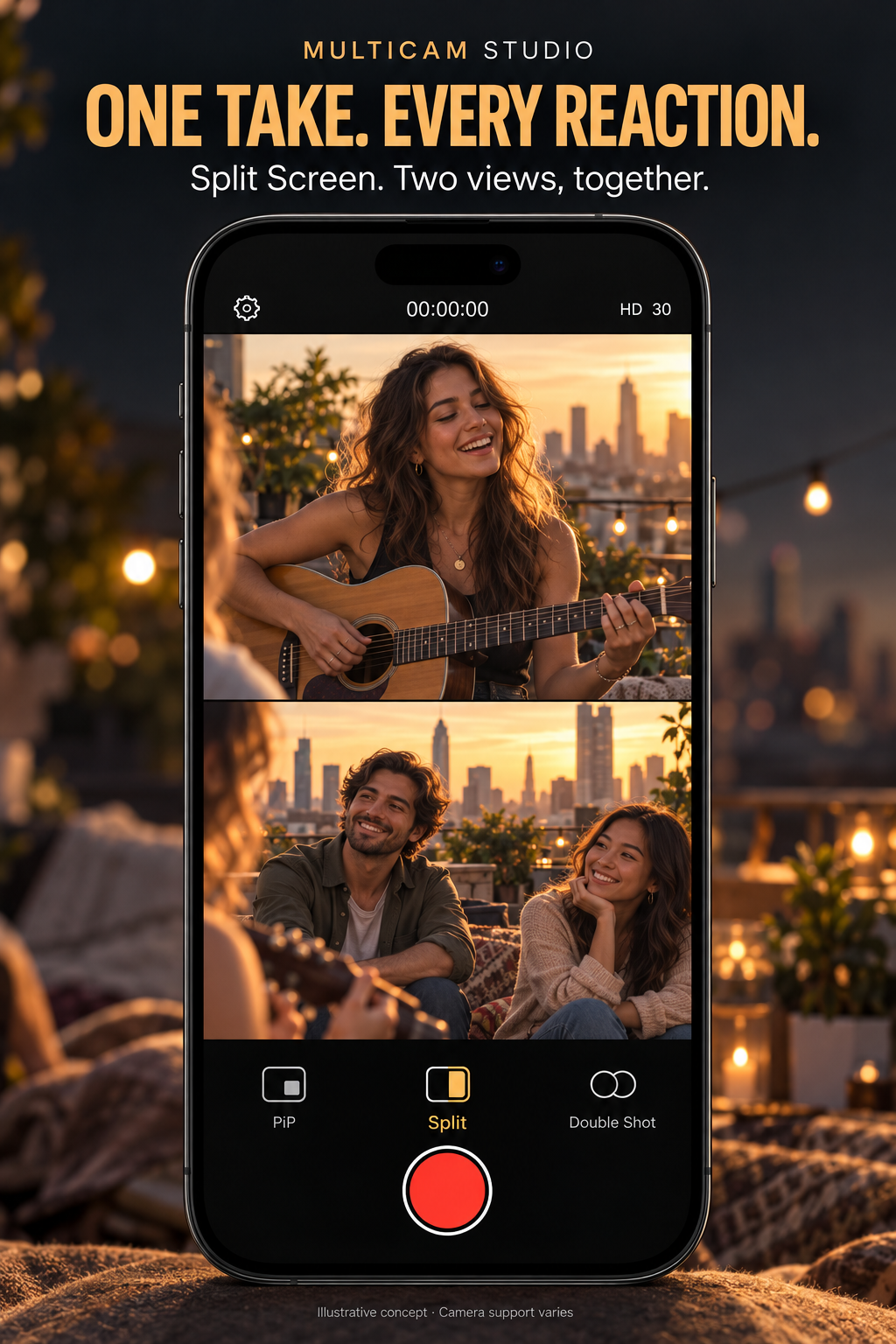
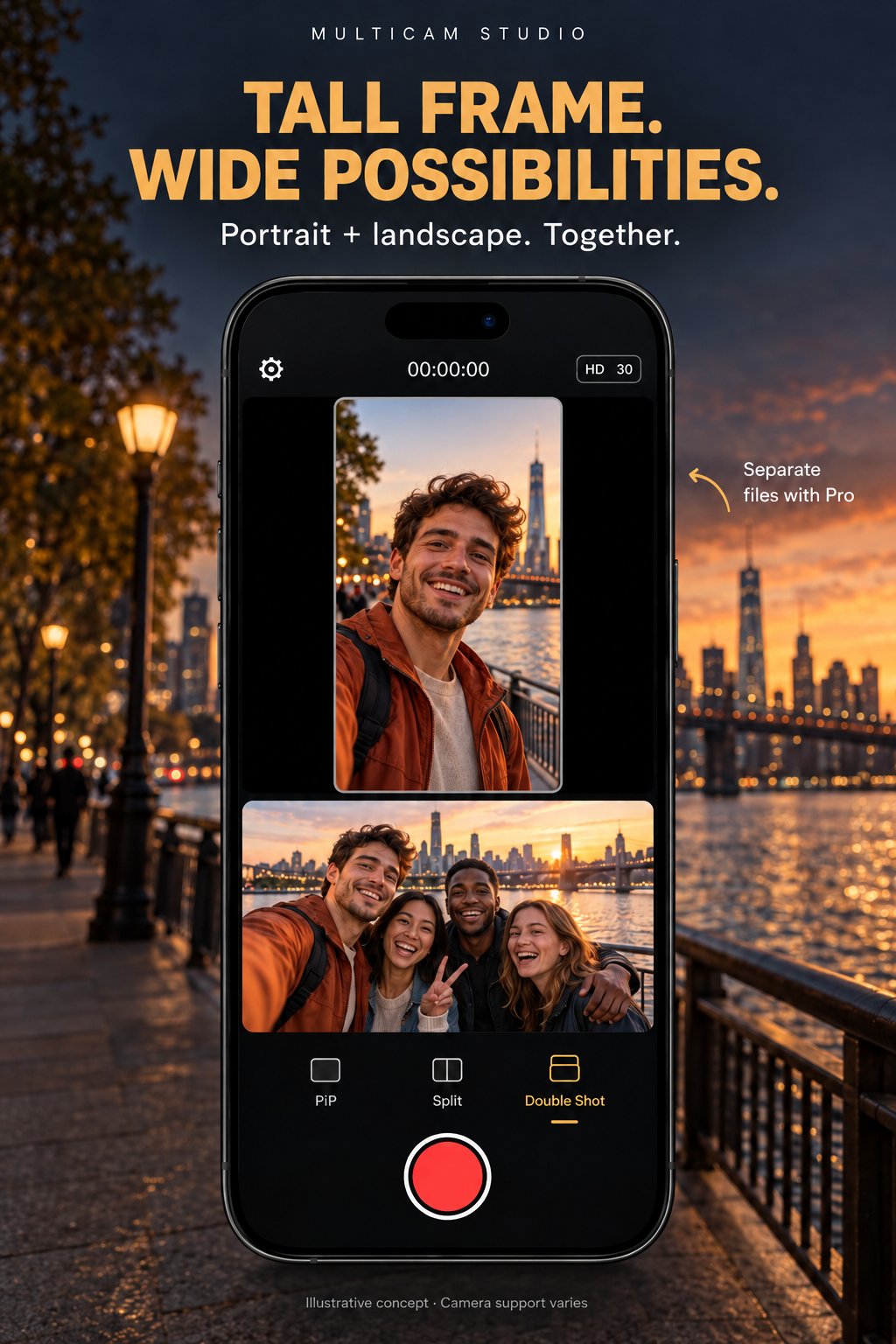
AI-generated promotional concepts with fictional people, not device screenshots. Camera support and available formats vary by device.
WATCH THE 30-SECOND EXPLAINER
See the workflow in a short motion explainer, with an original soundtrack and English workflow captions.
Free saves a combined movie. Pro saves separate camera files. The film uses staged promotional imagery to illustrate the workflow; it is not a recording from physical cameras.
Download the HD film ↓YOUR FRAME, YOUR WAY
Choose the view that fits your story. Keep previews clear of the recording controls, then let the cameras do their thing.
A main view with an inset for a second perspective. Move the inset to a corner and choose which camera leads.
Give each camera its own space. The preview adapts to portrait or landscape, without disappearing behind Record.
A tall portrait frame above a wide landscape frame. Different shapes, clearly separated, captured together.
CONTROL THAT MAKES SENSE
Resolution and frame-rate choices follow the cameras you select. Supported 10-bit HLG HDR uses HEVC Main10. Focus, exposure, white balance and digital zoom are available where the hardware allows.
Available formats depend on your device and active camera combination. Multiple lenses don’t guarantee simultaneous three-camera recording.
START SIMPLE. GROW INTO PRO.
Core recording stays accessible. Pro adds independent camera files and tools for a more involved workflow.
Make the moment.
Keep every angle.
Planned US pricing: $4.99/month or $39.99/year. Both plans include the same Pro features. Localized pricing will appear in the app at launch.
No watermark or subscription-based recording time limit. Storage, temperature and hardware limits still apply. Existing recordings remain accessible if Pro ends. Subscriptions and download links will be available after release.
LESS SHARING. MORE CREATING.
No app account, advertising SDKs or cloud media upload. Export only when you choose. Our privacy policy explains local storage, Apple payments and optional email feedback in plain language.
Read the privacy policy ↗A FEW GOOD QUESTIONS
Only combinations that iOS advertises and the capture session can sustain are offered. Free supports up to two simultaneous cameras. Pro can enable a third only on hardware with a compatible three-camera combination. A subscription cannot add missing hardware support.
Free creates one combined movie using the selected layout. Pro creates an independent file for each camera. In the library, each file has its own tile, playback and individual export action.
Supported HDR recording uses 10-bit HLG. Advanced color and crop rendering currently export SDR. HDR editing is limited to original-file delivery and passthrough trim, so its HLG signal is preserved.
Not yet. This is the official pre-release site. A verified App Store link will be added when the app is available; there is no download or subscription checkout on this website.
Use the app’s Support & Feedback section or visit our support page. Support and feature requests open email drafts that you review and send yourself.
THE MOMENT IS BIGGER THAN ONE FRAME.
MultiCam Studio is in development for iPhone and iPad.
App Store release coming soon